 PawForever
PawForever Blog
How to Create a Beautiful Pet Memorial Video From Photos
Aug 12, 2026
“Learn how to turn your pet's photos into a beautiful, heart-healing memorial video. Discover song ideas, story pacing, and gentle AI photo animation tools.”
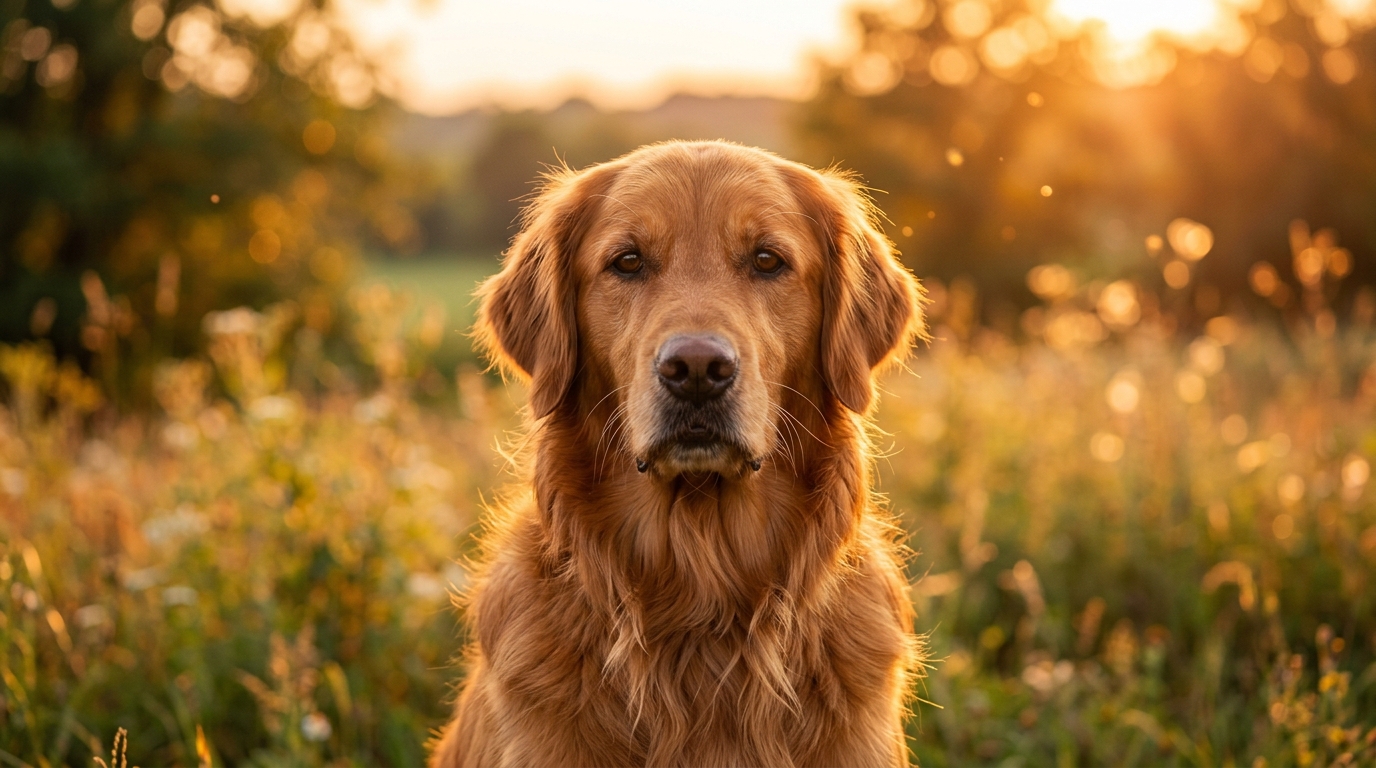
Creating a pet memorial video from photos involves curating 15 to 20 meaningful images across your pet's life stages, selecting a gentle soundtrack, and combining them into a video using dedicated slideshow software or AI photo animation tools. You don't need design skills or complex editing software to turn existing snapshots into a peaceful digital tribute that celebrates the joy, quirks, and unconditional companionship your pet brought into your life.
Losing a companion leaves a deep silence in your home. When you're grieving a dog, cat, or long-time pet, opening your phone's camera roll can feel heavy and emotionally draining. Yet, those thousand pictures sitting in your cloud storage hold the beautiful story of a unique life shared together. Turning those still moments into a fluid, heartwarming video helps preserve their memory and gives your heart a safe, gentle way to process grief.
Whether you prefer a simple photo slideshow with soft music or want to see your companion blink, breathe, and move again using animated tools like a pet memorial video, this step-by-step guide walks you through every part of the process. We'll show you how to curate images without getting exhausted, pick background songs that fit their personality, and build a lasting tribute you'll cherish for years.
Key Takeaways
- Focus on Quality Over Quantity: Select 15–25 photos that capture personality quirks rather than trying to include thousands of camera roll images.
- Mix Photo Types: Blend early life, active adventures, quiet cuddles, and imperfect candid shots for a complete narrative arc.
- Choose the Right Tool: Use traditional drag-and-drop video editors for standard photo transitions, or use AI tools to bring static photos back to life with realistic movement.
- Incorporate Audio & Captions: Pair soothing acoustic music or real saved audio (collar tag jingles, purrs) with short text captions of dates and favorite nicknames.
Step 1: Gather and Curate Your Favorite Photos (The 20-Photo Rule)
The hardest part of creating a tribute video is looking through your photo library when grief is fresh. Scrolling through years of memories can cause decision paralysis and emotional fatigue. To protect your emotional energy, adopt the 20-Photo Rule: curate a shortlist of around 15 to 20 favorite photos to experiment with. Keep in mind that with AI tools like PawForever, you only need to upload one photo at a time to generate a dedicated 10-second animated video clip, allowing you to try different memories individually without feeling overwhelmed.
1. Highlight Key Life Stages
Choose photos that showcase their journey with you across the years:
- The Beginning: The day you adopted them, their puppy or kitten phase, or their first week exploring your home.
- Prime Years: Backyard games, hiking trips, beach runs, car rides, or curled up in their favorite sunny spot on the living room sofa.
- The Senior Years: Gray muzzles, gentle nap times, and the quiet, comforting companionship that defined their golden years.
2. Embrace the "Imperfect" Candid Shots
Professional studio portraits are lovely, but pet parents almost always cherish candid, unposed photos most because they reveal true character:
- A goofy sleeping position on their back with paws stretched up in the air.
- A curious head tilt when hearing their favorite trigger words like "walk", "treat", or "park".
- The funny look they gave you when caught stealing a cozy spot on your favorite pillow.
- Close-ups of their unique physical traits: asymmetrical ear flopping, paw pads, or expressive eyes.
3. Gather Contributions from Loved Ones
If family members, roommates, or close friends spent time with your pet, invite them to send their favorite two or three photos. Others often capture spontaneous moments from angles you never saw, revealing fresh, comforting glimpses of your pet's life.
4. Common Photo Selection Pitfalls to Avoid
- Avoid Blurry or Low-Contrast Dark Shots: While dark or blurry photos hold sentiment, they can look grainy when zoomed on large video screens. Save low-light photos for small digital prints.
- Don't Over-Filter: Avoid heavy vintage or saturated color filters. Keeping original colors preserves the authentic look of your pet's fur coat and eyes.
Step 2: Choose Your Creation Method: Slideshow vs. AI Photo Animation
Once your photos are organized in a single dedicated folder, decide which format best captures your pet's memory. Today, pet owners have two distinct paths: traditional manual slideshows or modern AI photo animation.
| Feature | Traditional Video Slideshow | AI Photo Animation (PawForever) |
|---|---|---|
| Visual Format | Static photos switching with fade transitions | Still photos converted into gentle moving video clips |
| Motion Realism | Pan and zoom effects (Ken Burns effect) | Natural eye blinking, head tilts, and breathing motion |
| Time Required | 30–60 minutes of manual timeline editing | ~2 minutes to render a 10-second 720p video |
| Skill Level | Intermediate (drag-and-drop editing) | Beginner (one-click creation) |
| Best For | Multi-photo collages with extensive text captions | Emotional connection and seeing your pet "alive" again |
Option A: Traditional Video Editors (Canva, FlexClip, iMovie)
If you enjoy manual layout and design work, free online editors like Canva, FlexClip, or Apple iMovie let you drag photos onto a timeline, set photo durations (usually 3–4 seconds per image), and pick transition styles like cross-fades or soft dissolves.
- Pros: Complete control over text fonts, slide background colors, and manual photo zooming.
- Cons: Can feel tedious and time-consuming when you are emotionally drained; photos remain still images on screen.
Option B: AI-Powered Photo Animation (PawForever)
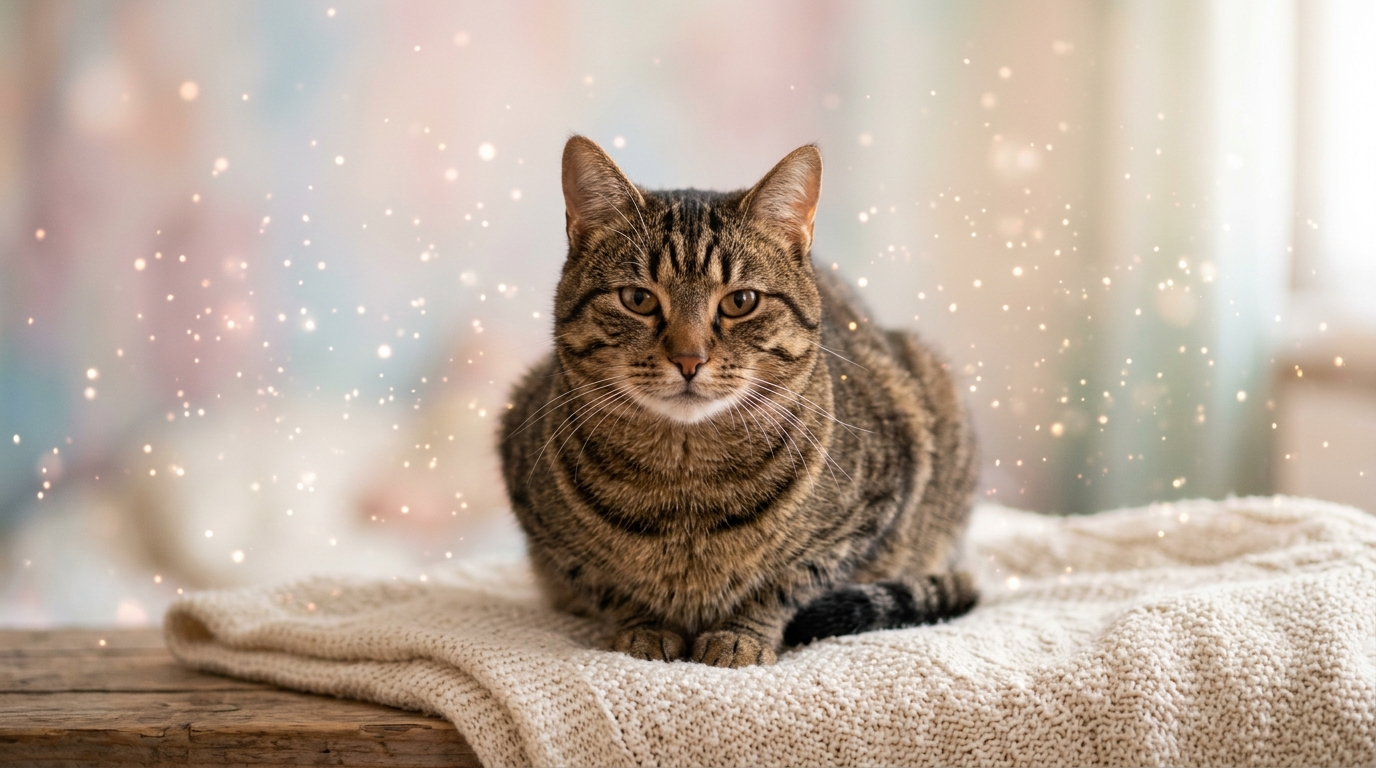
For many grieving owners, static photos still feel distant. Emerging animation tools allow you to upload a single photo and watch motion return. Dedicated services like PawForever let you animate dog photo collections or create a cat memory video where your pet turns their head, blinks gently, and gazes back at you in a 10-second 720p video clip (rendered in about 2 minutes).
- Pros: Emotional and hassle-free, requiring zero editing skills. Transforms a single static memory into a 10-second 720p moving clip.
- Cons: Focuses on spotlighting individual emotional moments rather than wall-to-wall text slides.
"Seeing Charlie tilt his head and blink again in a moving video brought back the feeling of having him right beside me on the rug. It transformed a sad evening into a moment of pure comfort."
— Sarah M., Dog Parent
Step 3: Select Music, Audio, and Text Captions That Tell Their Story
Music sets the emotional tone for your tribute. The right soundtrack transforms a simple collection of images into a deeply moving cinematic experience.
Curated Song Categories for Pet Memorials
- Soft & Acoustic (Bittersweet): Gentle acoustic guitar or piano melodies like Landslide (Fleetwood Mac), Saturn (Sleeping at Last), or acoustic instrumental covers of Somewhere Over the Rainbow.
- Warm & Nostalgic (Celebratory): Uplifting, heartwarming tunes like You’ve Got a Friend in Me, Wildflowers (Tom Petty), or Married Life from Pixar's Up.
- Gentle Instrumental: Classical solo piano or ambient soundscapes that allow you to reflect without distracting vocals.
Adding Multi-Sensory Audio Memories
If you have old phone video clips, extract the audio background tracks. Overlaying the sound of your dog's tail thumping the floor, their signature collar tag jingle, a soft bark, or your cat's low purr behind your photo sequence creates a multi-sensory memory piece that honors their physical presence.
Simple Text Overlay Guidelines
Keep text captions minimal so they don't crowd your pet's face or distract from the visuals:
- Opening Title Slide: "[Pet's Name] — Forever in Our Hearts (Year Born – Year Passed)"
- Middle Memory Slides: Short, meaningful quotes or humorous nicknames ("The Master of Sunbeams", "Official Couch Protector", "Always by My Side").
- Closing Slide: A simple, heartfelt closing line like "Thank you for 14 years of unconditional love."
Step 4: Assemble and Pace Your Video Narrative
Whether using a standard desktop video editor or creating a digital tribute with PawForever, thoughtful pacing ensures your video feels balanced, respectful, and intentional.
1. Structural Flow Options
- Chronological Narrative: Start with early puppy or kitten photos, progress through active adult years, and conclude with peaceful senior memories. This creates a natural life-story arc.
- Thematic Narrative: Group photos by personality traits — "The Adventurer," "The Nap Champion," "The Snuggle Bug," and "Family Celebrations."
2. Pacing and Transition Speed
- Give each photo 3 to 5 seconds of screen time. Rapid transitions can feel rushed and jarring during a memorial.
- Use simple, soft transitions like Cross Dissolve or Fade to Black. Avoid flashy 3D flips, page curls, or star wipes that draw attention away from your pet.
Step 5: Gentle Self-Care Strategies While Making Your Video
Editing a memorial video can trigger waves of grief. It's essential to honor your emotional threshold throughout the creation process.
- Set a Timer: Limit video creation sessions to 20 or 30 minutes at a time. Taking frequent breaks prevents emotional fatigue.
- Work with a Friend: Ask a family member or friend to sit with you while you select photos. Having someone to share memories with makes the task less isolating.
- Allow Tears Without Judgment: Crying while reviewing photos is a natural, healthy release. Take a break, step outside, or make a hot drink whenever tears arise.
Step 6: Preserve, Display, and Share Your Memorial Keepsake
When your video tribute is complete, export it in high-resolution (1080p MP4 format) and save backed-up copies across multiple cloud services so it remains safe for years to come.
Creative Ways to Display and Share Your Memorial
- Dedicated Digital Photo Frames: Transfer your pet's memorial video or animated clips onto a desk-side digital photo frame placed near their favorite sleeping spot, collar, or memorial urn.
- Private Family Anniversaries: Share the video link with family members during a quiet remembrance dinner or on your pet's adoption anniversary.
- Combine with Physical Memorials: Pair your moving video tribute with a high-resolution printed canvas or claim a free pet portrait to create a comforting memory corner in your home.
Frequently Asked Questions
How many photos do I need for a pet memorial video?
With AI animation tools like PawForever, you only need 1 photo to generate a single 10-second HD video tribute. However, we recommend selecting around 15 to 20 candidate photos beforehand so you can try different poses and expressions and create multiple individual video clips. For traditional slideshows, 15 to 20 photos are typically combined into a single video track.
What is the best background song for a pet tribute video?
Popular choices include gentle instrumental piano pieces, acoustic guitar tracks like Landslide by Fleetwood Mac, or comforting film scores like Married Life from Pixar's Up. Pick a track that matches your pet's unique energy—whether calm, goofy, or adventurous.
Can I make a static pet photo move in a memorial video?
Yes! Modern AI video tools like PawForever can animate cat photo choices and dog pictures from just a single uploaded photo. The platform creates a 10-second 720p HD moving video clip with realistic breathing, blinking, and head motion in about 2 minutes.
How do I edit a pet memorial video if I have no video editing experience?
You can use free drag-and-drop templates on platforms like Canva or Smilebox, or use automated AI creation tools like PawForever where you simply upload a photo and receive a ready-to-watch animated tribute without spending hours on video editing software.
Should I share my pet's memorial video on social media?
Sharing your video on social media is completely optional and personal. Many pet parents find comfort in posting their tribute on Instagram, Facebook, or pet grief support groups, as receiving shared memories and condolences from fellow animal lovers can provide immense comfort during early grief.
Celebrate Their Life with Living Memories
Creating a pet memorial video is far more than a technical project; it is a therapeutic act of love and healing. By gathering your favorite moments, pairing them with a comforting melody, and bringing still photos back to life, you build a timeless tribute to the companion who gave you their whole heart.
If you want to see your companion's eyes twinkle and bring living motion back to your favorite photos, create a pet memory video with PawForever today and keep their memory alive forever.